

Have you ever snapped a photo that nearly captured magic but fell short? Maybe the colors felt flat, or details blurred into shadows. We’ve all been there—moments worth preserving, held back by technical limits. But what if you could transform those almost-perfect shots into masterpieces with just a few clicks?
Modern solutions now make professional-grade editing accessible to everyone. These innovations analyze your photos like a trained eye, refining textures and balancing light intuitively. Whether you’re sharing memories online or crafting visuals for work, the right approach can turn ordinary snapshots into stunning, polished creations.
Photographers and content creators across industries rely on these advancements to save time while boosting quality. Imagine enhancing portraits with natural skin tones or revitalizing landscapes with vibrant depth—all without hours of manual adjustments. Even complex tasks like noise reduction and upscaling become effortless.
Choosing the best fit depends on your unique needs. Do you prioritize speed? Creative control? Compatibility with existing workflows? We’ll break down what matters most so you can focus on what you love: making unforgettable visuals that stand out.
Introduction to the World of AI Image Enhancement
Imagine fixing blurry photos in seconds, not hours. Modern systems use advanced algorithms trained on millions of images to handle tasks like noise removal and lighting correction automatically. Instead of relying on rigid filters, they reconstruct missing details by understanding patterns in textures, faces, and landscapes.
What Makes AI-Driven Enhancements Stand Out?
Traditional photo editing often feels like painting over cracks. AI goes deeper. Machine learning models analyze your image’s content, applying context-aware adjustments to specific elements. A portrait gets natural skin smoothing, while a sunset gains richer hues without oversaturating nearby objects.
How AI Transforms Your Photo Editing Workflow
Gone are the days of manually adjusting sliders for hours. These systems handle complex tasks—like upscaling low-res shots or removing shadows—in moments. You’ll spend less time editing and more time creating. Plus, they adapt to your style, learning from each adjustment to deliver consistent results.
Want to revive an old family photo? The technology detects faded areas and rebuilds crisp edges. Need to prep product images for a website? It balances colors across batches instantly. This isn’t magic—it’s smart enhancement designed to simplify your process.
The Evolution of AI in Photo Editing
Remember when sharpening a blurry photo meant wrestling with sliders for hours? Early digital editing software relied on basic math to “fix” images. Techniques like nearest-neighbor interpolation often left jagged edges, while bilinear methods washed out contrast by averaging pixel colors. These approaches treated every photo the same—like fitting a square peg into a round hole.

From Traditional Tools to Intelligent Enhancers
Manual adjustments once demanded deep technical skills. Photographers memorized workflows to reduce noise or correct lighting, often sacrificing details in the process. Now, machine learning analyzes your image’s unique patterns. It detects faces, textures, and objects separately, applying context-aware improvements without flattening quality.
Early tools struggled with faded or low-resolution photos. Today’s systems rebuild missing details by referencing vast visual databases. A scratched family portrait gains crisp lines. A grainy sunset recovers vibrant hues. This shift from rigid rules to adaptive learning means your editing process becomes faster and more intuitive.
What used to take specialized training now requires a single click. Hobbyists achieve pro-level results, while seasoned photographers save hours on repetitive tasks. The technology doesn’t just enhance photos—it redefines what’s possible, turning limitations into creative opportunities.
10 image enhancer ai tools: A Comprehensive Roundup
Struggling to choose the right photo upgrade solution? Let’s simplify your search. Below, we compare leading options that cater to diverse creative needs—from quick social media fixes to professional-grade refinements.
Side-by-Side Features Comparison
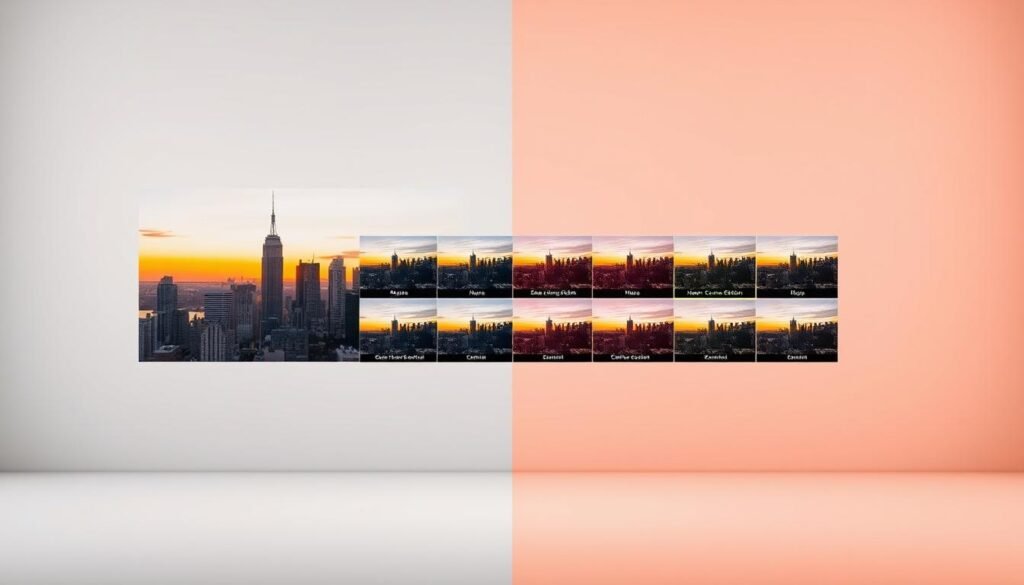
Each service shines in specific areas. MyEdit stands out for its all-in-one toolkit, offering free access to object removal and artistic filters. Autoenhance.ai dominates real estate edits with sky replacement and perspective fixes. Let’s Enhance remains unmatched for quadrupling resolution without quality loss.
| Service | Standout Features | Pricing | Best For |
|---|---|---|---|
| MyEdit | Cartoonizer, AI sketch, batch edits | $5.80+/month | Creative experimentation |
| Autoenhance.ai | HDR merging, lighting correction | $12.49+/month | Property photography |
| Let’s Enhance | 16x upscaling, art generator | $9/month | Print-ready enlargements |
| Remini | Facial detail recovery | Freemium model | Portrait restoration |
| Cutout.pro | Background removal in 2 clicks | Free basic tier | E-commerce optimization |
Budget-conscious users love Fotor’s freemium model, while professionals invest in Topaz Photo AI for RAW file mastery. Most solutions work across browsers, apps, and mobile devices—perfect for on-the-go tweaks. Whether reviving vintage photos or prepping product catalogs, there’s a match for your project’s scale and style.
In-Depth Look at MyEdit and Its Comprehensive Tools
Editing photos shouldn’t feel like jumping between apps. MyEdit combines essential fixes and creative upgrades in one space. Its comprehensive set of features tackles everything from sharpening family photos to designing social media graphics. Let’s explore why it’s become a go-to for casual users and pros alike.
Key Features and Unique Benefits
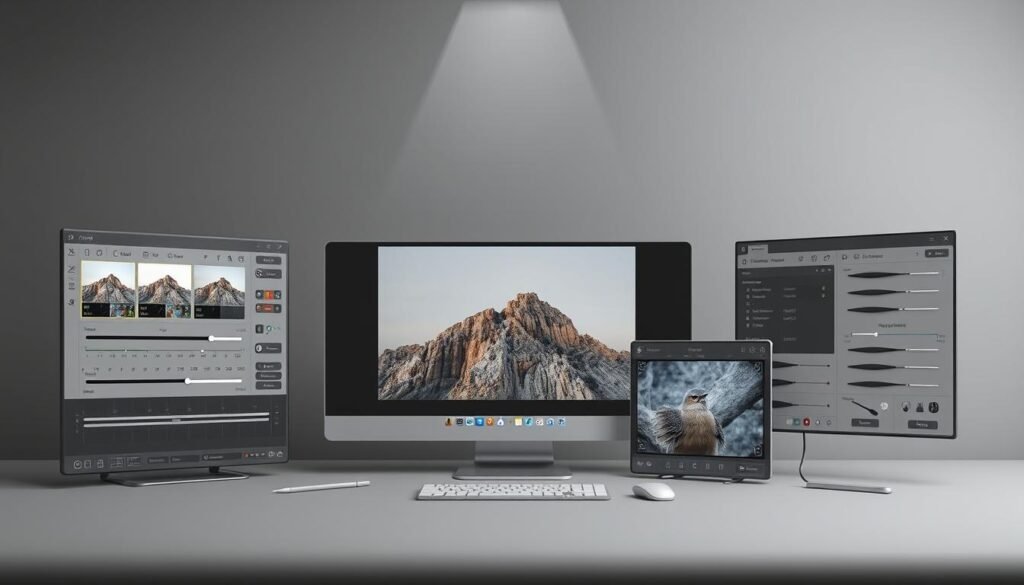
MyEdit’s standout features work like a digital Swiss Army knife. Need to quadruple a photo’s resolution? One click transforms 360×480 pixel shots into 1440×1920 masterpieces. Colors pop naturally, and noise fades without leaving artificial smudges. The “Before and After” slider shows changes instantly—no guesswork required.
Beyond basic fixes, you’ll find creative options like cartoon filters and AI-generated art. Remove photobombers effortlessly or swap backgrounds in seconds. These tools adapt to personal projects and professional portfolios, making MyEdit versatile for any visual goal.
Performance and Ease of Use
The intuitive interface welcomes beginners without overwhelming them. Buttons and sliders stay organized, so you focus on results, not menus. Even if you’re new to editing, achieving pro-level quality takes minutes. Experienced users appreciate batch processing and customizable presets for faster workflows.
Regular updates keep the platform ahead of trends. Whether refining skin tones or experimenting with abstract styles, MyEdit evolves with your needs. At $5.80/month, it’s a budget-friendly way to unlock features that once required expensive software.
Real Estate Optimization with Autoenhance.ai
In real estate, first impressions make or break deals. Autoenhance.ai specializes in transforming dull property listings into eye-catching visuals that highlight a home’s best features. Its tailored approach addresses common photography challenges—like uneven lighting or distracting skies—while maintaining natural-looking results.

Specialized Tools for Property Photo Enhancement
Say goodbye to gloomy interiors. The platform’s Auto HDR Merging blends multiple exposures into one balanced shot. Dark corners brighten naturally, and overblown windows regain detail. Outdoor shots benefit from Sky Replacement, which swaps gray skies for vibrant blue tones without altering the property’s authentic appearance.
Perspective Correction fixes distorted angles caused by wide lenses. Walls appear straight, and rooms look spacious yet accurate. For agents handling dozens of listings, API integration automates batch processing. Upload 50 photos, and they’re enhanced uniformly—saving hours of manual work.
Privacy matters in property photography. The Auto Privacy tool detects faces and license plates, blurring them to protect homeowner confidentiality. This meets legal requirements while keeping photos market-ready.
| Plan | Images/Month | Price | Best For |
|---|---|---|---|
| Starter | 15 | $12.49 | Individual agents |
| Professional | 75 | $49.99 | Small teams |
| Agency | 500 | $154.99 | Large portfolios |
Pricing scales with your needs. Whether you’re staging a single home or managing 500 properties, Autoenhance.ai delivers consistent quality without hidden fees. It’s like having a photo editor on standby—ready to elevate every listing.
Creative Upscaling and Artistic Transformation with Let’s Enhance
What if your photos could evolve beyond their original resolution? Let’s Enhance turns this idea into reality. Its algorithms breathe new life into low-quality visuals, whether you’re restoring cherished memories or prepping graphics for large-format prints.
High-Resolution Outputs and Creative Modes
The platform’s 16x upscaling preserves edges and textures even when enlarging vintage snapshots. Unlike basic resizing tools, it reconstructs missing details using pattern recognition. A 360p image becomes 4K-ready without jagged lines or blurry patches.
Four modes tailor adjustments to your needs:
| Mode | Best For | Key Benefit |
|---|---|---|
| Photo | Portraits & landscapes | Natural texture preservation |
| Digital Art | Illustrations & designs | Sharp linework enhancement |
| Photo with Text | Infographics & memes | Legible text upscaling |
| Old Photo | Vintage restoration | Scratch & fade removal |
Creative projects shine with the AI Art Generator. Upload a sunset photo, and watch it morph into a high-resolution watercolor or digital sketch. The beta “Magic” mode analyzes compositions to apply context-aware adjustments—think automatic shadow reduction or selective color boosting.
For technical perfection, Light AI balances exposure across tricky lighting scenarios. Tone Enhance adds HDR-like depth without unnatural halos. Whether fixing pixelated web graphics or refining JPEG artifacts, the platform adapts to your workflow.
Start with 10 free enhancements. At $9/month, you’ll unlock batch processing and priority rendering—ideal for designers needing consistent quality across projects.
Face and Background Enhancement with Remini
Blurry portraits don’t have to stay that way. Remini specializes in restoring clarity to photos where faces matter most. Whether you’re reviving old family pictures or refining selfies, its face enhancement technology sharpens features while preserving natural expressions. You control the intensity—subtle touch-ups or dramatic transformations.

Customizable Options for Portraits and Backgrounds
The platform’s Face Glow tool adds healthy radiance to dull complexions. Beauty filters smooth skin textures without erasing character lines like laugh wrinkles. Background Enhance works separately, isolating subjects to adjust lighting or replace distracting elements. A cluttered room becomes a clean studio backdrop in seconds.
Color correction adapts to your style. Choose from preset Instagram-inspired filters or manually tweak warmth and contrast. Each adjustment stays optional—no forced changes. Video enhancement extends these upgrades to clips, perfect for polishing social media stories or cherished home videos.
Plans start at $6.99 weekly for personal use. Annual subscriptions save up to 40%, while business tiers include commercial licensing. Whether you’re archiving memories or building a brand, Remini keeps improvements simple and focused on what matters: your vision.
Quick Fixes and Background Removal with Cutout.pro and Fotor
Ever wished you could erase unwanted elements from photos as easily as using an eraser? Two platforms simplify this process for everyone—whether you’re polishing product shots or restoring childhood memories. Let’s explore how they turn complex tasks into effortless clicks.

Automated Enhancements for Every Skill Level
Cutout.pro excels at precision. Its background removal technology isolates strands of hair and lace patterns without leaving jagged edges. Need to upscale a blurry logo? The AI Super Enlarger quadruples resolution while smoothing pixelation. Photographers love the Denoiser feature, which cleans grainy shots in seconds.
Fotor takes a broader approach. Upload a photo, and its system tackles brightness correction, color balancing, and artifact removal simultaneously. The Old Photo Restorer revives faded tones in vintage pictures automatically. Both platforms offer one-click fixes for beginners, plus manual sliders for those wanting finer control.
| Platform | Standout Features | Best For | Starting Price |
|---|---|---|---|
| Cutout.pro | Hair-detection removal, batch processing | E-commerce & social media | $5.00/month |
| Fotor | All-in-one automation, vintage restoration | Casual users & small businesses | $3.33/month |
Affordability sets these options apart. Unlike premium software requiring yearly subscriptions, both offer pay-as-you-go plans. Casual users fix photos for social media without breaking the bank. Entrepreneurs enhance product catalogs affordably, proving professional results don’t need professional budgets.
Enhancing Graphics and Vector Art with Vecticon
Crisp lines and vibrant hues define professional designs, but achieving them can feel out of reach. Vecticon bridges this gap, offering precision upgrades for both vector graphics and raster visuals. Whether refining logos or preparing digital art, it maintains sharpness across formats.
Optimizing Images for Design and Digital Art
The platform excels at color consistency, automatically matching palettes to brand guidelines. Faded reds become bold, while muted blues regain depth. This ensures your design elements look cohesive everywhere—from mobile screens to billboards.
Batch processing handles multiple files at once. Resize illustrations without losing clarity or adjust text legibility in complex layouts. Need to convert a pixelated logo into a scalable vector? Vecticon reconstructs edges smoothly, eliminating jagged lines.
Creative control remains yours. Fine-tune saturation for specific elements or apply selective sharpening. The interface simplifies advanced adjustments, letting you focus on artistry over technical hurdles. Your design workflow stays fluid, with results that impress clients and audiences alike.